United Kingdom / journal
Data Analysis Frameworks & Software for Biomechanical Motion Capture
Guide to biomechanics data analysis software for motion capture, depth-camera MATLAB tools, kinematic visualization, motion-tracking algorithms and open-source options.
Collecting motion capture data is only the start. To make sense of movement, clinicians, researchers and developers need biomechanics data analysis software that turns raw sensor streams into clear kinematic and kinetic insight. This article explains the tools and workflows used for motion capture data analysis, highlights depth camera MATLAB software options, and shows how to create useful kinematic data visualization. It also covers motion tracking algorithms, biomechanical data processing steps and how open source tracking software fits into a modern pipeline.
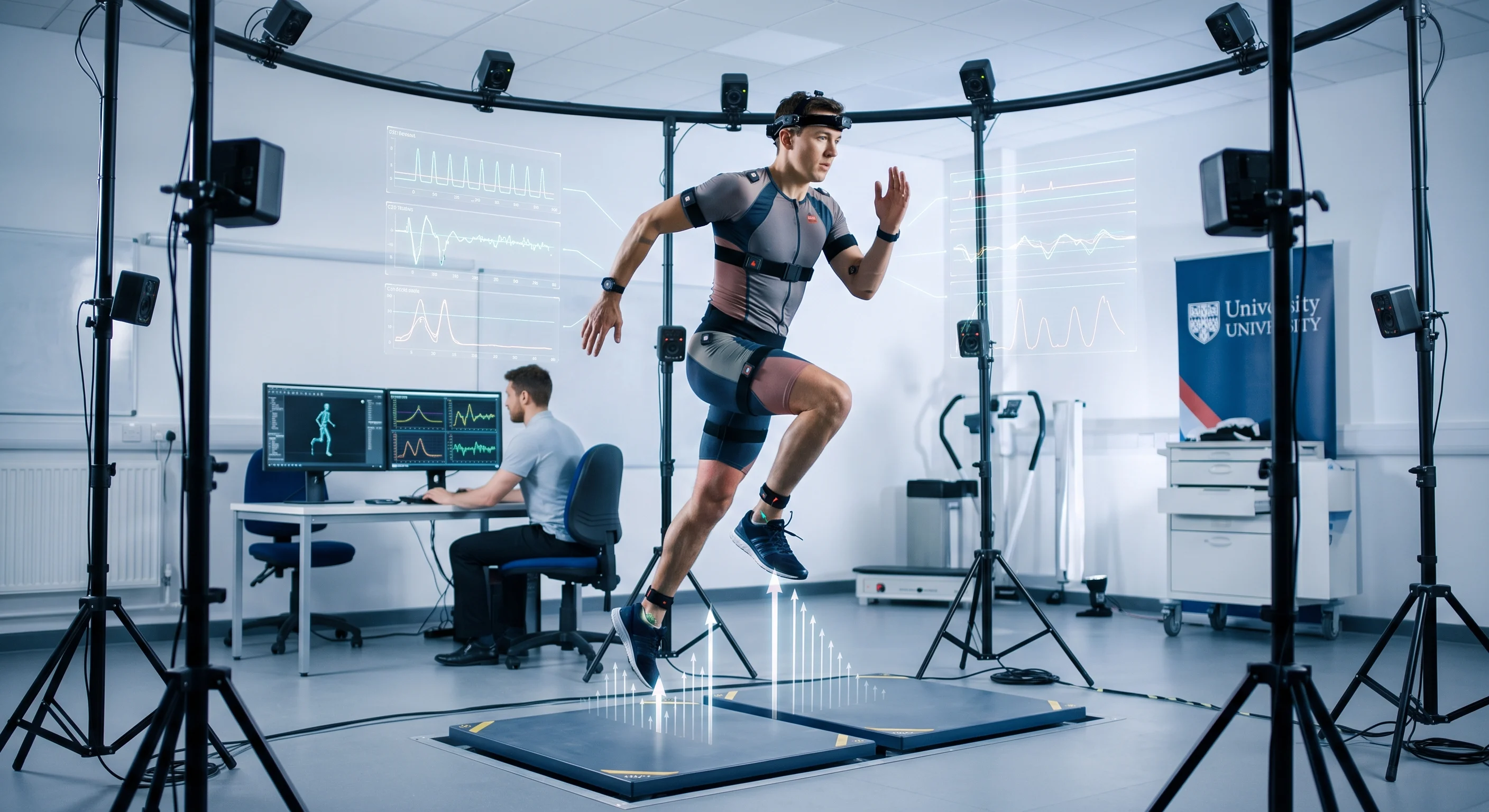
Why you need a structured software framework
- organise raw and processed files in a reproducible way,
- apply consistent biomechanical data processing steps such as filtering and gap-filling,
- visualise kinematic data for inspection and reporting, and
- share methods and results with colleagues using open formats.
Choosing the right biomechanics data analysis software affects how quickly you can go from raw capture to insight. Consider available motion capture data analysis features, integration with depth cameras or wearable sensors, and support for kinematic data visualization when you pick a platform.
Key features to look for in biomechanics data analysis software
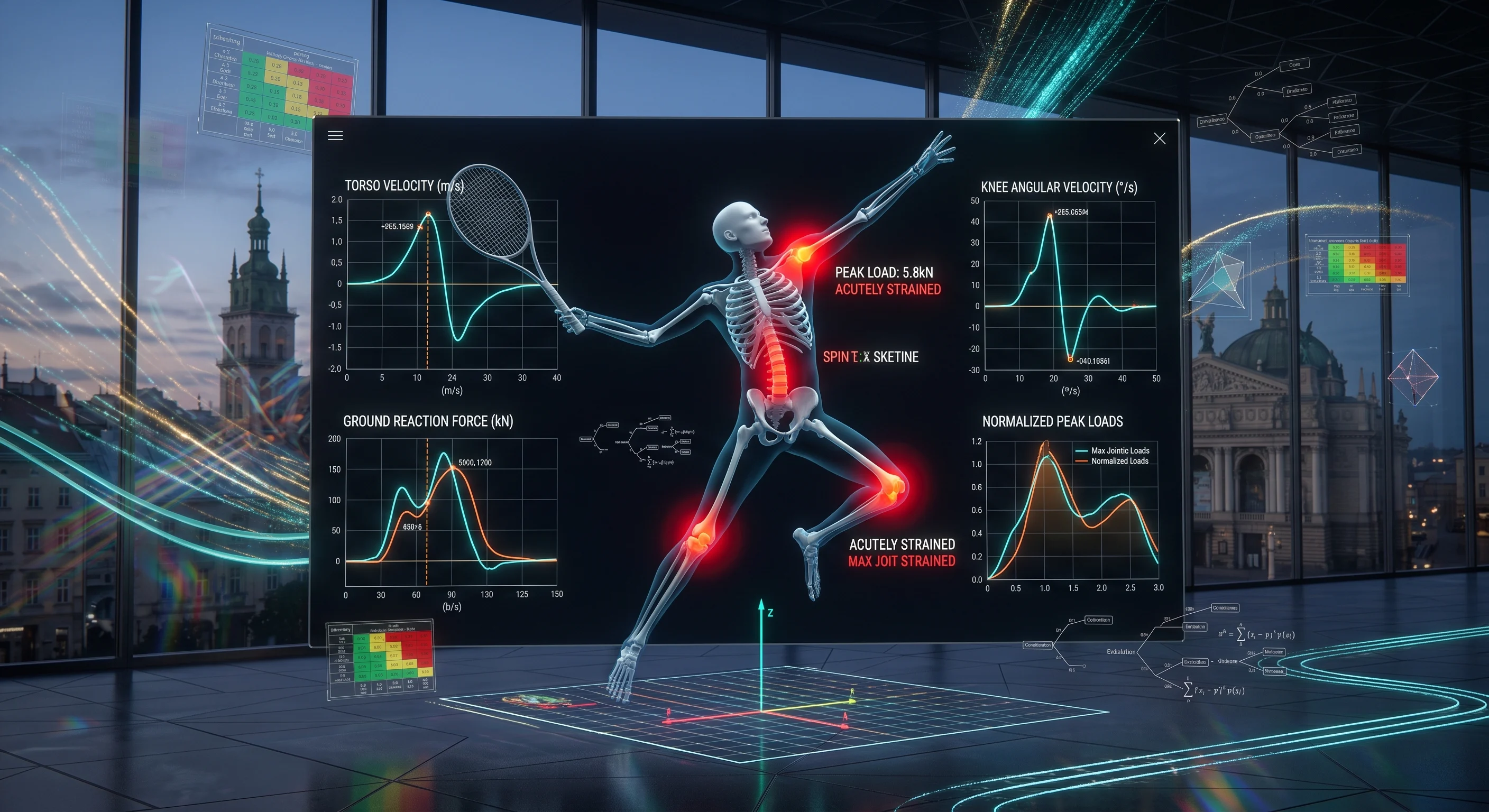
Not all programmes are the same. When evaluating tools for motion capture data analysis, focus on these core features:
- Data import and standard formats: Support for common file types (C3D, CSV, BVH, JSON) speeds up integration with different systems.
- Preprocessing and biomechanical data processing: Built-in filtering, gap-filling, coordinate transforms and event detection are essential.
- Joint and segment modelling: Ability to define kinematic chains, joint centres and anthropometric scaling for accurate kinematics and kinetics.
- Sensor fusion: Tools to combine depth camera, IMU and force plate data improve robustness when single sensors are limited.
- Scripting and automation: Batch processing, scripting APIs or MATLAB/Python interfaces save time on repeated analyses.
- Kinematic data visualization: Interactive 3D viewers, animation playback and synchronized time-series plots help inspect outcomes.
- Export and reporting: Generate tables and visual summaries in publication-friendly formats.
Categories of tools: open source tracking software vs commercial suites
Tools fall into broad groups. Open source tracking software gives flexibility and transparency, while commercial suites can offer turn-key pipelines and vendor support.
Open source options are useful when you need to customise motion tracking algorithms, reproduce scientific work, or integrate novel sensors. They often expose the processing steps so you can inspect and modify filtering, coordinate definitions and model parameters. For users comfortable with code, open frameworks provide fast prototyping of new algorithms and links to MATLAB or Python toolboxes.
Commercial software tends to package capture, labelling and analysis in one place, which can reduce setup time. These packages usually include polished kinematic visualization GUIs, standard biomechanical models, and automated reports. The trade-off is less transparency in proprietary algorithms and cost.
Depth camera MATLAB software: using depth sensors in motion capture
Key considerations for depth camera MATLAB software:
- Device SDKs and data access: Many depth cameras ship with SDKs that expose depth maps and skeletal estimates. Ensure your MATLAB environment can connect to the camera, either via a vendor SDK, a generic interface or a MATLAB toolbox.
- Calibration: Align the depth stream with other sensors by calibrating extrinsic and intrinsic parameters. MATLAB can store and apply calibration matrices during processing.
- Noise and resolution: Depth data contain spatial noise and occasional missing pixels. Typical MATLAB steps include spatial smoothing, hole-filling and outlier removal before any pose estimation.
- Pose estimation and skeleton fitting: Use 2D/3D joint detectors or iterative fitting methods to extract joint positions. MATLAB supports optimisation routines and non-linear solvers useful for skeleton fitting.
- Integration: Combine depth-camera joint estimates with IMU or optical marker data using sensor fusion techniques for more robust kinematics.
By building depth camera MATLAB software scripts, you control every stage from raw frame to final joint angles. That flexibility is valuable for research projects and novel clinical tasks.
Kinematic data visualization: turning numbers into insight
Clear kinematic data visualization is essential. Visual tools help verify processing steps, spot anomalies and communicate findings to non-specialists. Useful visualisation types include:
- 3D animated skeletons: Replay movement with a skeleton or articulated model that shows joint rotations and segment positions in space.
- Synchronized time-series: Plot joint angles, velocities and forces alongside the animation with aligned time cursors.
- Heatmaps and PDF plots: Show variability across trials or subjects and highlight biomechanical hotspots such as high joint loads.
- Interactive viewers: Allow zoom, rotate and channel selection so users can inspect specific limbs or events.
Many toolboxes provide ready-made visualisers. If you build custom plots in MATLAB or Python, keep the interface responsive: use downsampled previews for long recordings and provide export options for static figures.
Motion tracking algorithms and common processing steps
At the heart of motion capture data analysis are the motion tracking algorithms and processing pipelines that convert raw measurements into meaningful quantities. Typical steps include:
- Time synchronisation: Align streams from different sensors so events and frames match.
- Filtering: Low-pass filters such as Butterworth or Savitzky–Golay remove high-frequency noise while preserving movement features.
- Gap-filling and interpolation: Handle missing marker data or dropped depth pixels using interpolation or model-based prediction.
- Pose estimation: From 3D points to joint angles, using inverse kinematics or machine-learning-based pose estimators.
- Sensor fusion: Combine IMU orientation with optical position data using Kalman filters or complementary filters to improve stability.
- Event detection: Automatically detect gait events, peaks and phases for segmenting the movement into meaningful portions.
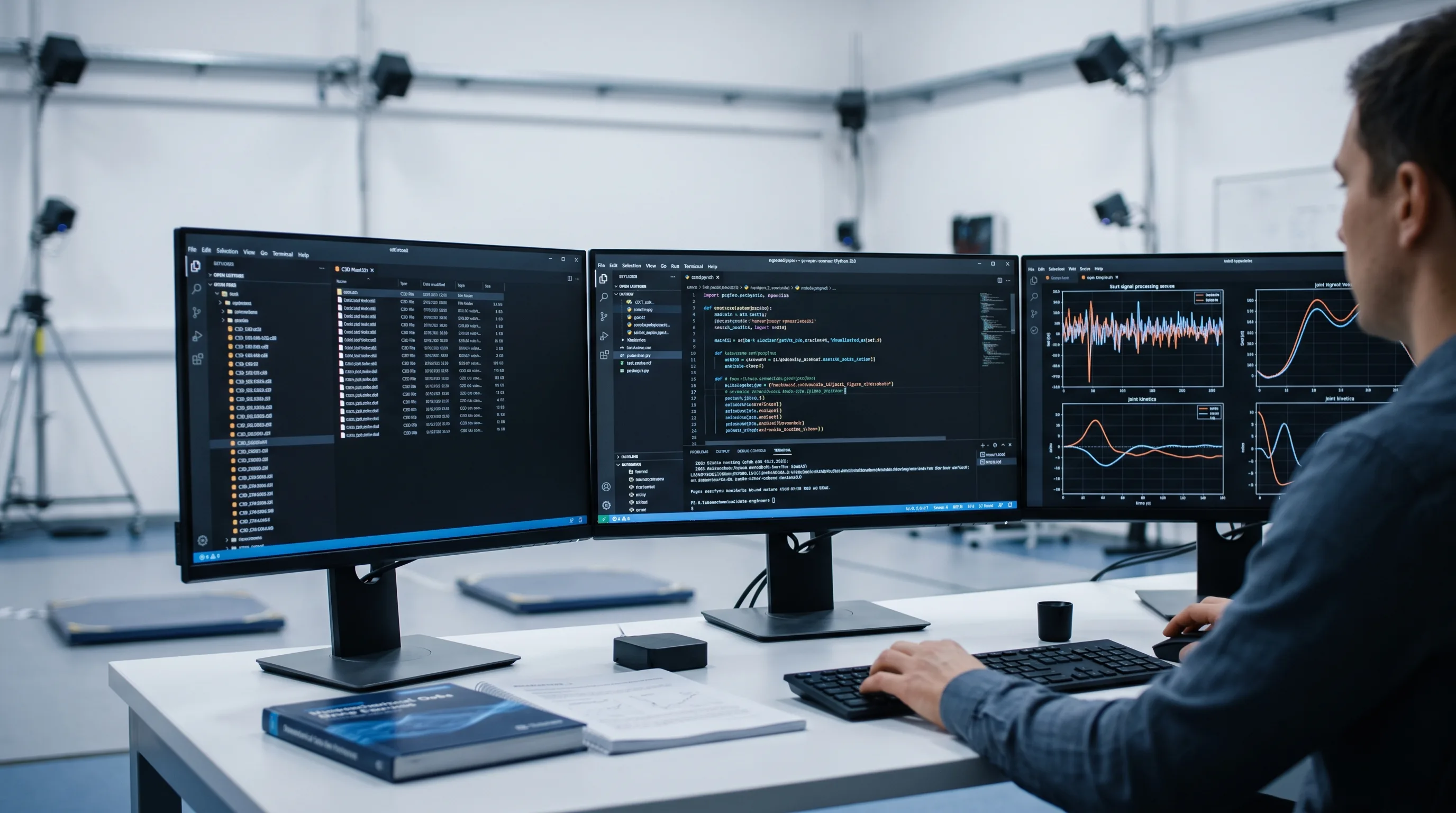
Motion tracking algorithms range from geometric methods that fit skeletons to point clouds, to deep-learning approaches that predict joint coordinates directly from images. Choose an approach that suits your accuracy needs and computational budget.
Combining sensors and visualising sensor data
Modern motion capture systems often use multiple sensors: cameras, depth sensors, inertial measurement units (IMUs) and force plates. Biomechanical data processing must combine these sensibly.
For sensor data visualization, show raw and processed channels side-by-side. Examples:
- Synchronized IMU orientation traces and joint angle estimates to reveal drift or misalignment.
- Force-time curves plotted with centre-of-pressure trajectories on a 2D map.
- Heatmaps of activity from pressure sensors overlaid on a foot model.
Always document coordinate frames and units. Misunderstandings about axis directions or degrees vs radians are common sources of error in downstream analysis.
Practical workflow and best practices
A repeatable workflow saves time and improves reliability:
- Plan data capture: Choose sensors and sampling rates that suit the task. Higher frequency is needed for fast impacts, lower rates may suffice for slow gait.
- Standardise labelling: Use consistent marker or joint naming conventions to simplify batch processing.
- Automate preprocessing: Build scripts to apply filters, gap-fill and normalise data. Version-control these scripts.
- Validate outputs: Visually inspect a subset of trials and compare automated measurements with manual references when possible.
- Use open formats: Save processed data in widely readable formats to ease sharing and future use.
- Document decisions: Record filter cut-offs, model definitions and any manual corrections made during analysis.
Following these practices makes it easier to reproduce results and integrate new methods like machine-learning-based motion tracking algorithms or improved sensor data visualization approaches.
FAQ: common questions about motion capture data analysis software
How do I choose between marker-based and markerless systems?
Choose based on your accuracy needs, budget and setting. Marker-based systems are precise for many biomechanical measures but require lab setup. Markerless systems, including depth camera MATLAB software, are faster to deploy and work well in clinical or field settings, though they may need more processing to reach the same accuracy.
Can I use MATLAB with open source tracking software?
Yes. Many open source tracking software projects provide export formats or APIs that MATLAB can read. MATLAB scripts are useful for additional biomechanical data processing, bespoke kinematic data visualization and custom analyses.
What are the best ways to visualise kinematic variability across subjects?
Use ensemble plots: overlay mean and standard deviation bands on time-normalised traces, show stacked heatmaps for trial clusters, and combine with 3D animated averages to give context to statistical plots.
How do I ensure sensor fusion is accurate?
Synchronise clocks between devices, calibrate coordinate frames carefully, and validate fused outputs against a trusted reference. Applying a Kalman filter or complementary filter with tuned noise parameters often improves robustness.
Are open source tracking software tools reliable for research?
Many open source tools are reliable and widely used in research. Their transparency supports reproducibility. However, validate them against ground truth for your specific application and document any custom changes you make.
Where can I learn more about motion tracking algorithms?
Start with tutorials on pose estimation, sensor fusion and inverse kinematics. Practical guides that walk through depth camera MATLAB software examples and hands-on datasets help bridge theory to applied motion capture data analysis.